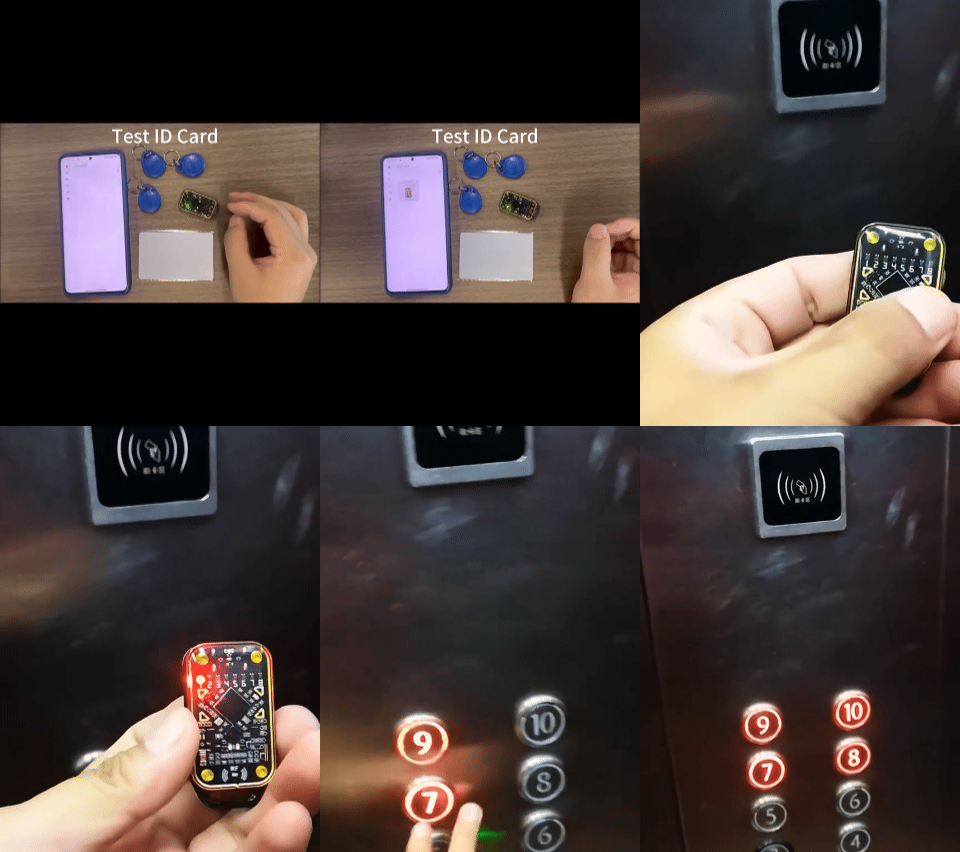
Full Compatibility, Multi-Purpose DeviceSupports major protocols such as ISO 14443A/B, ISO 15693, MIFARE Classic/DESFire, etc., allowing read/write access to IC cards, ID cards, NFC tags, and RFID chips.Chameleon technology dynamically switches protocols, automatically detecting card type and matching the ideal read/write mode

The upgraded version V3.0 adds support for both high frequency (13.56 MHz) and ultra-high frequency (860–960 MHz).
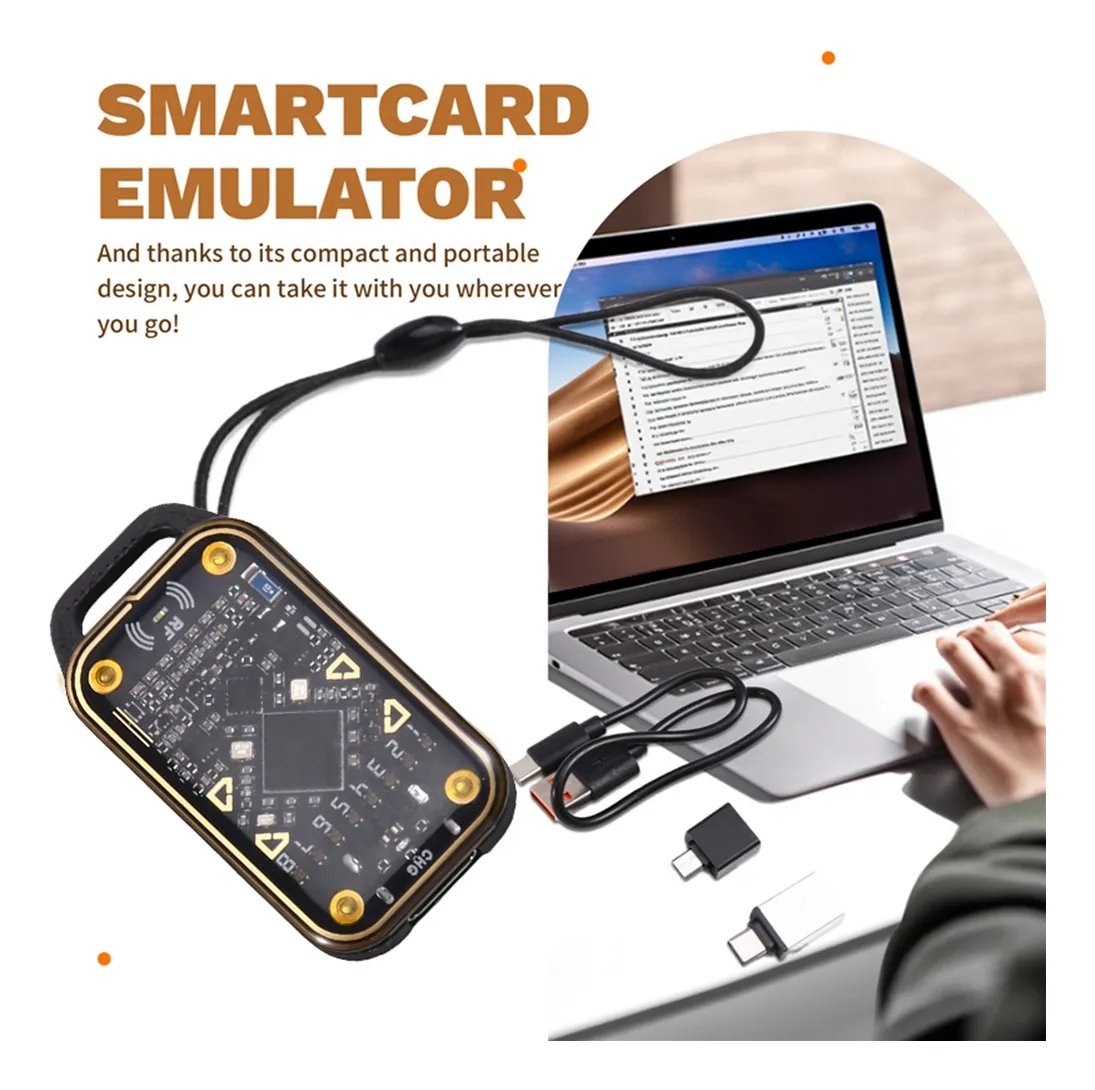
New Technology HighlightsSmart Simulator System: Built-in chip emulation engine capable of generating virtual card data for testing
Multi-tasking: Supports reading and writing on 4 cards simultaneously, increasing efficiency by 300%
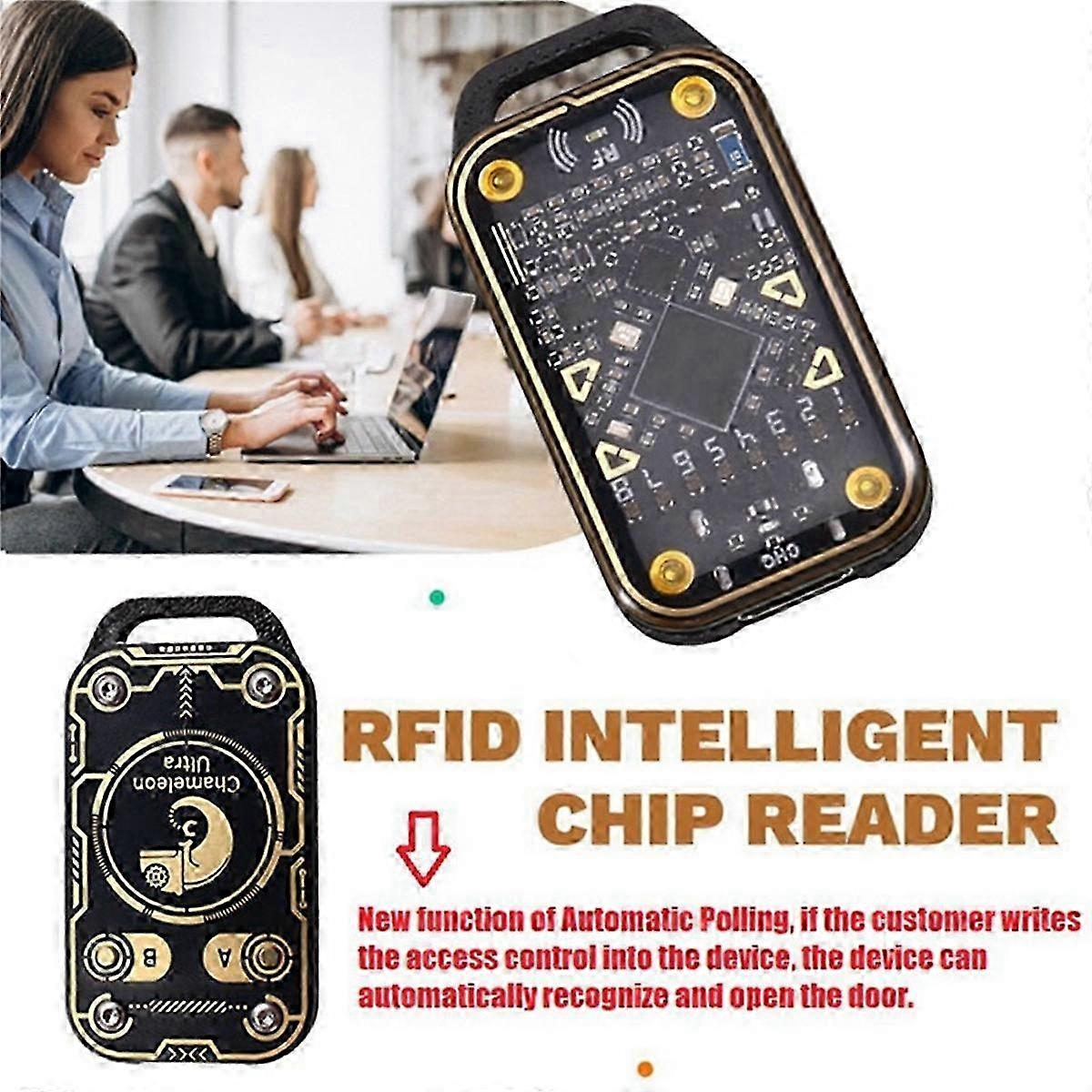
Decryption: Supports decryption of DES/3DES/AES encrypted data (compliance with local regulations required)Industrial Grade Structural DesignAirline-grade ABS shell passed 1.5m drop test, anti-slip texture grip designDual-color LED status indicator light with real-time read/write progress and error code display
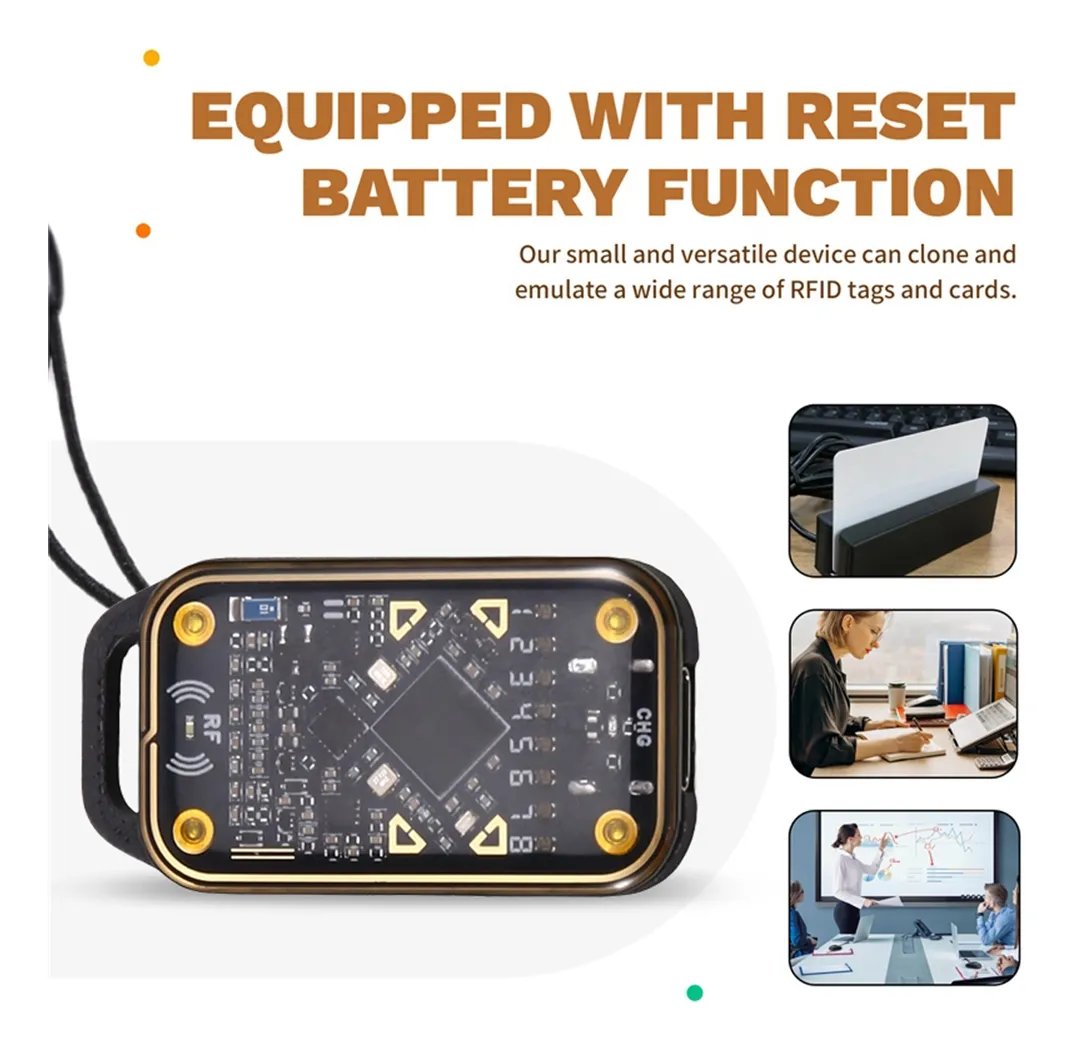
Hidden USB port supports OTG function, can directly connect mobile phone / tablet operationApplication Scenarios
Access Control System Upgrade: Bulk Copy Employee Cards / Owner Cards (Authorization Required)
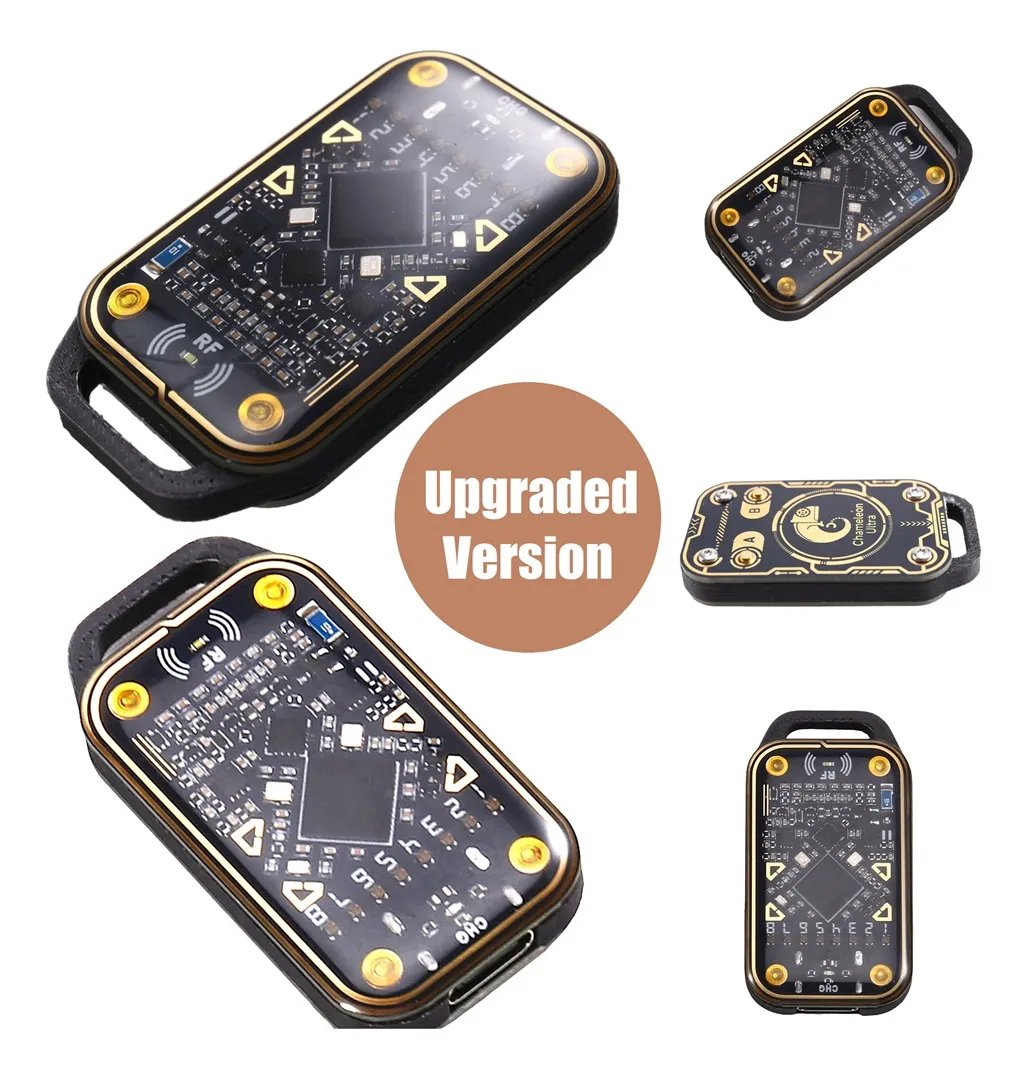
RFID Asset Management: Quickly Enter Fixed Asset Chip InformationDevelopment of NFC
Payment: Simulating Mobile Payment Scenarios

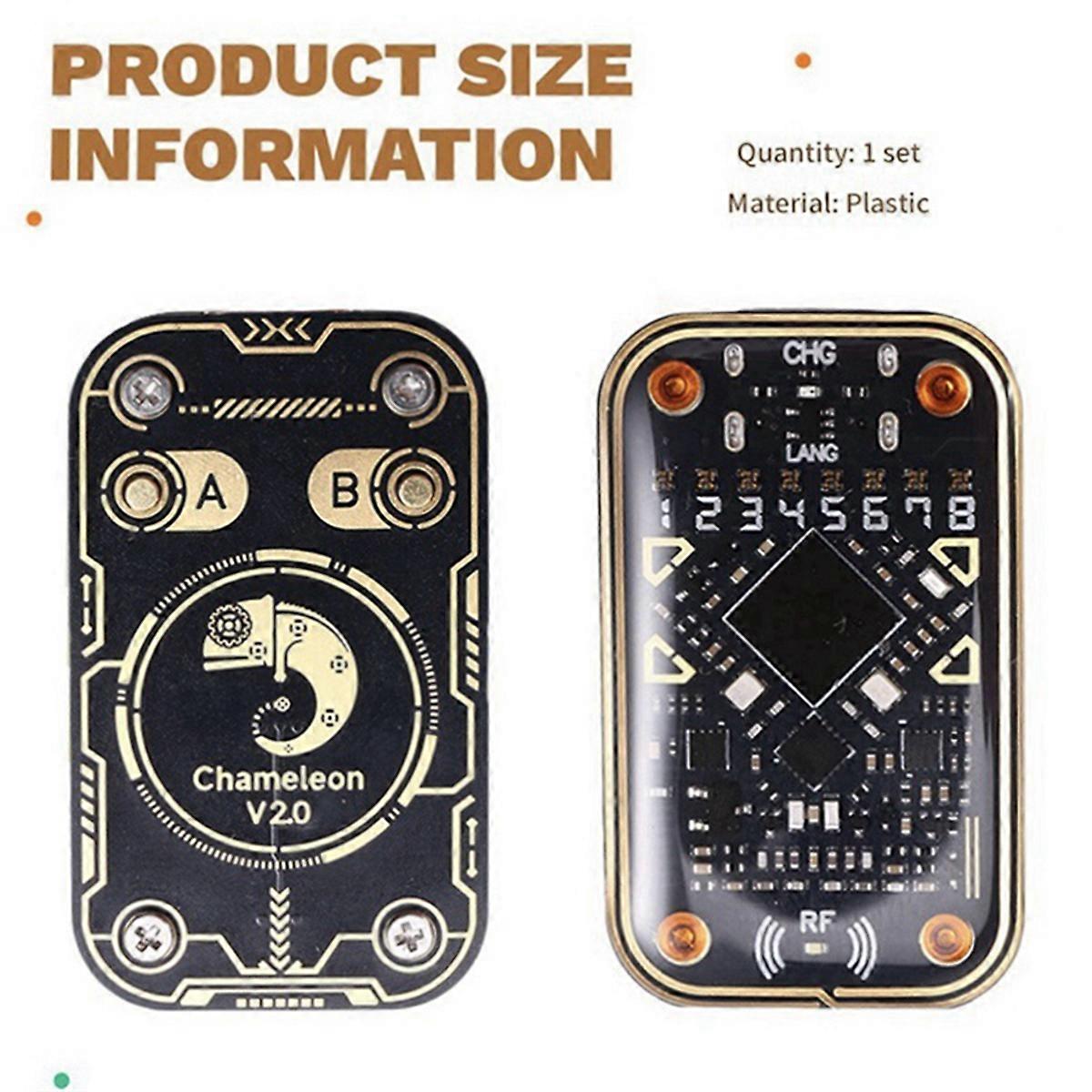
Smart Card Tutorial: Visualizing Cryptographic AlgorithmsCustomer ValueProfessional-Grade Performance: Supports 256-bit encryption chip reading and writing with an error rate of Ease of use: Comes with PC software providing a graphical user interfaceCompliance Assurance: Built-in regional regulatory compliance module automatically blocks illegal featuresSpecificationsPower supply: USB 5V / 500 mACompatible Systems: Windows 7 - 11 / macOS 10.15 + / Android 5.0 +About the app: Please search for “Chameleon Ultra GUI” on both Google Playstore & Apple storeHow to usePress any key to wake up the device.Click on “Refresh” at the top right corner of the app to refresh the device.Tap on the device to connectThe backside with a pattern is the ID antenna, and the front side is the IC antennaLire l'identifiant : Placer la carte au dos de l'appareil et cliquer sur le bouton de lecture à basse fréquence dans l'applicationStep 4: Read IC Card – Place the card at the front of the device, select “High Frequency Reading” under PP, then tap “Get from Dictionary”, followed by “Get Key”.If the app prompts that there is still content marked as X, the sniffing function needs to be used (see step 5).Sniffing Function Operating InstructionsClick on “High Frequency Read” to get the card details.Click on “Save UID Only”, click on “Card Slot Management”, click on “Any Card Slot”, select “Saved UID Card”, open “Card Slot Settings”, click on “Edit Card Slot Data”, open “Get Random Number”, save, then go to the card reader to swipe the card a few times, and then re-enter the “Edit Card Slot Data” section.Go to “Obtain Random Number” then find the “Restore Key” section, restore the key and save it.When unlocking the card, select the saved key to read the card.
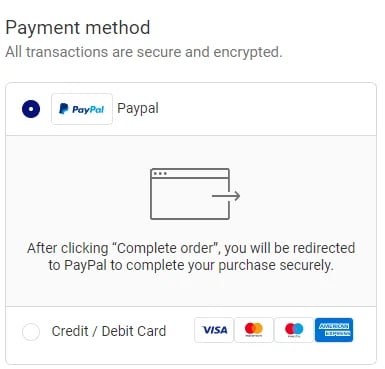
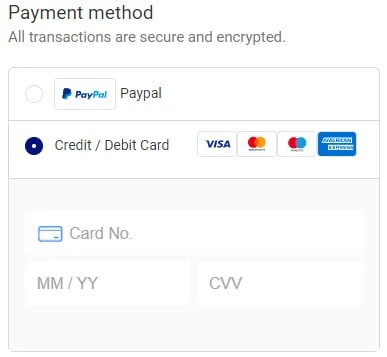
✅Payments Via PayPal®, Credit and Debit Card.
If you want to checkout with a Credit and Debit Card, just enter your * Card No, * Expiration Date, and * CVV.🌎 Insured Worldwide Shipping: Each order includes real-time tracking details and insurance coverage in the unlikely event that a package gets lost or stolen in transit.
💰 7-Day Money-Back Guarantee: If you bought it and felt that it is not for you, don't worry. Just shoot us a message at contact 📪,and we will make it right by offering you a replacement or refund. 100% Simple & Risk-Free process.
✉️ 24/7 Customer Support: We have a team of live reps ready to help and answer any questions you have within a 24-hour time frame, 7 days a week.
🔒 Safe & Secure Checkouts: We use state-of-the-art SSL Secure encryption to keep your personal and financial information 100% protected.